YauScape
Documentation for YauScape.
Examples
1. 3D Plot Generation:
using YauScape

calabi_yau(3, π/2)
savefig("calabi_yau.png")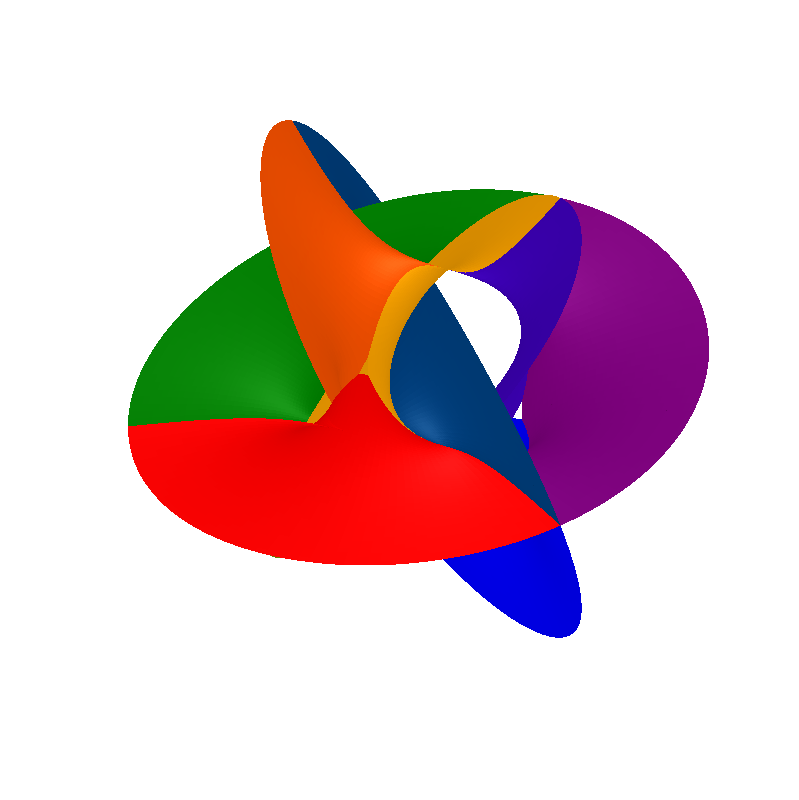
n::Int64: Determines the level of complexity in the Calabi-Yau manifold, influencing the number of patches used in its construction. Higher values ofnresult in more intricate surfaces.α::Float64: Specifies the rotation angle (in radians) of the 3D plot around the z-axis. This parameter allows you to view the Calabi-Yau manifold from different perspectives.grid_res::Int64: Controls the resolution of the grid used to generate the surface. A highergrid_resvalue leads to a smoother and more detailed surface, but increases computation time.color_palette::Symbol: Sets the color palette used for coloring the surface patches. It accepts any valid Plots.jl color palette symbol (e.g.,:rainbow,:viridis,:blues).color::Symbolornothing: If provided with a color symbol, it overrides thecolor_paletteand applies a uniform color to all surface patches. If set tonothing, thecolor_paletteis used for coloring.
2. Time Evolution Animation:
using YauScape

anim = calabi_yau_anim(2)
gif(anim, "calabi_yau.gif", fps=15)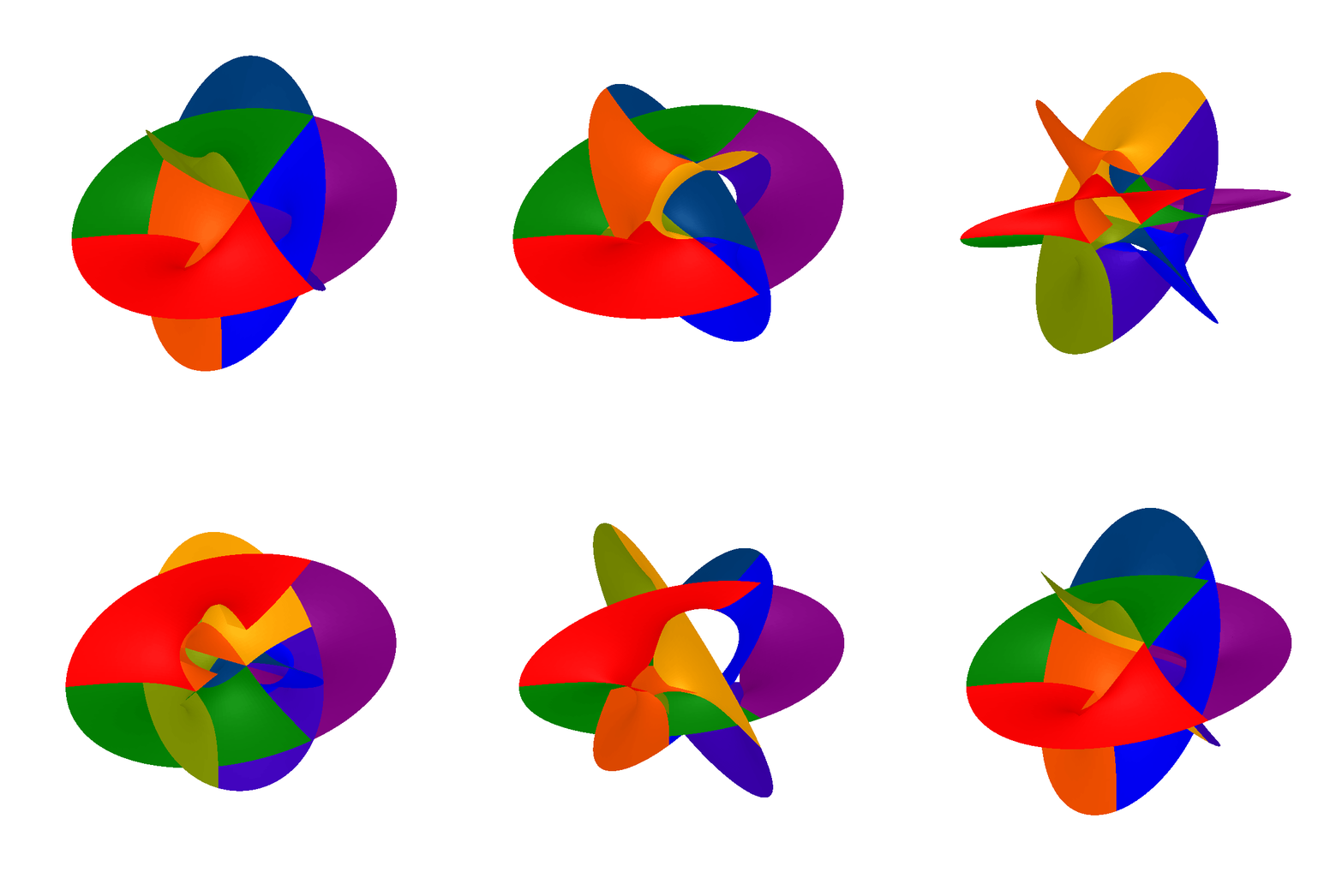
n::Int64: Similar to thecalabi_yaufunction, determines the complexity of the Calabi-Yau manifold and affects the intricacy of the shape in the animation.anim_res::Int64: Specifies the number of frames in the animation. Higher values result in smoother animations but longer generation times.color_palette::Symbol: Same as incalabi_yau, sets the color palette for surface patch coloring, used throughout the animation.